Click here for
Radio Removal Procedure.
Step 2 #
Once you have clicked
on the Radio
Removal Procedure
link above:
Choose your make, model and year.
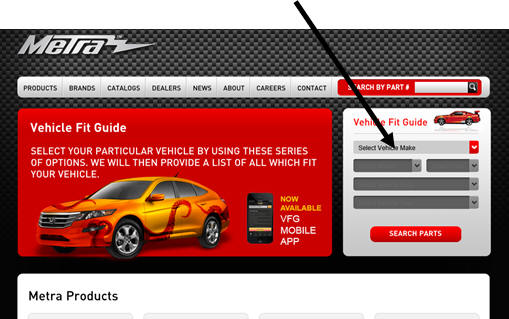
Step 3 #
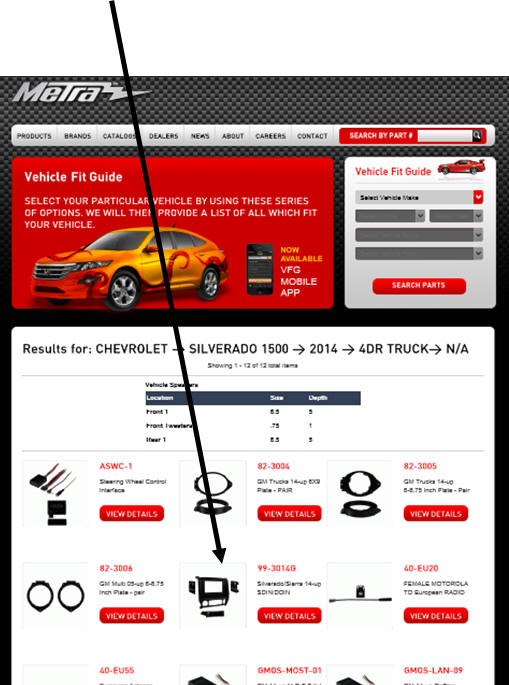
Under the "available accessories" page find
the dash kit available for your vehicle.
There may be several different types for
your vehicle, however they will all contain
the removal procedure in the link.
NOTE
If a kit is not found here
for your vehicle:
Visit
Mobile
Information Labs for more assistance, as the radio removal
procedure is not available thought this
site.
Step 4 #
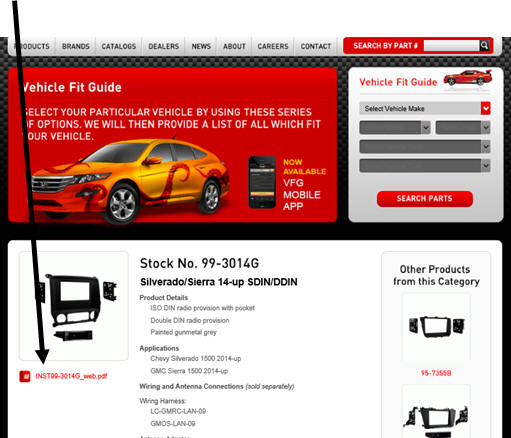
Click this PDF file link to access your
radio removal guide.
Step 5 #
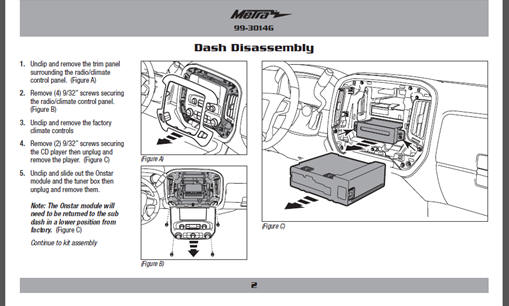
Click the "product Instructions" link to
view your radio removal procedure.
Step 6 #
Follow radio removal procedure.
NOTE:
Click here for:
Mobile Information Labs,
if you are unable to
find your vehicle.